Help
Short answers to the usual questions.
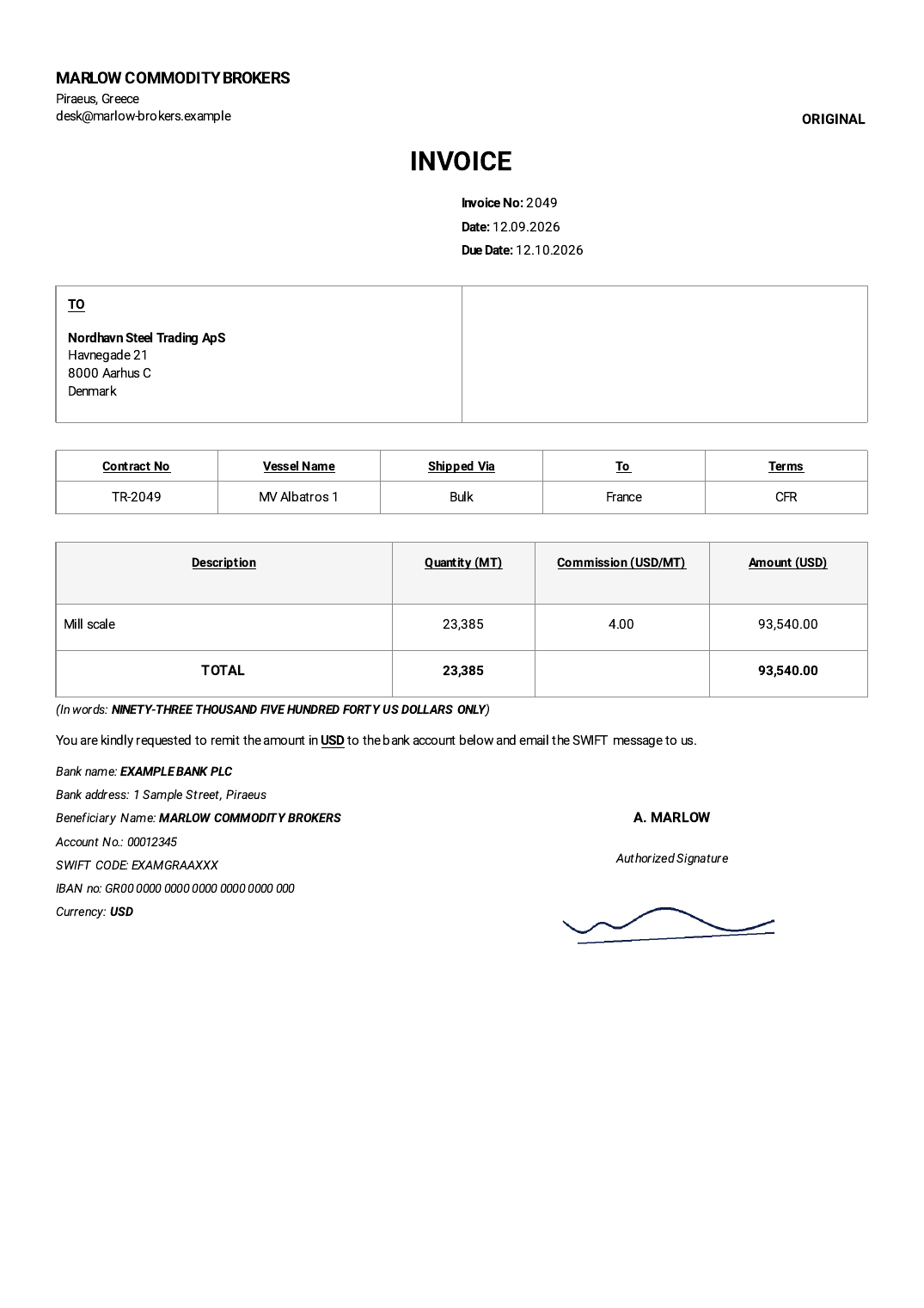
How do I get the client's address onto the invoice?
Save the client in your phone's Contacts with a postal address — for example the company name and its full street address. In TinyInvoice tap “From Contacts” and choose that address. You can also type a client in by hand and tap “Save this client to Contacts”.
Where do I put the client's VAT number?
Use the “Extra” box under the address. It prints in the right-hand half of the “TO” box.
I already have invoices up to 3457. Can I continue from 3458?
Yes. Enter your next number when you first open the app, or later in Settings → Invoice numbers. You can add a prefix such as “2026-” too.
I made a mistake on an issued invoice.
Issued invoices are locked so your records stay trustworthy. Open it, choose ⋮ → Void, then ⋮ → Duplicate to create a corrected draft.
Where is my data? What if I change phones?
Everything stays on your phone. Use Settings → Backup → Save backup regularly and keep the file in Google Drive or email it to yourself; restore it on the new phone.
I bought Pro but the footer is still there.
Open Settings → TinyInvoice Pro → Restore purchase, making sure you are signed in to the same Google account you bought it with. Still stuck? Email us.
Anything else: omega@alpugan.com